
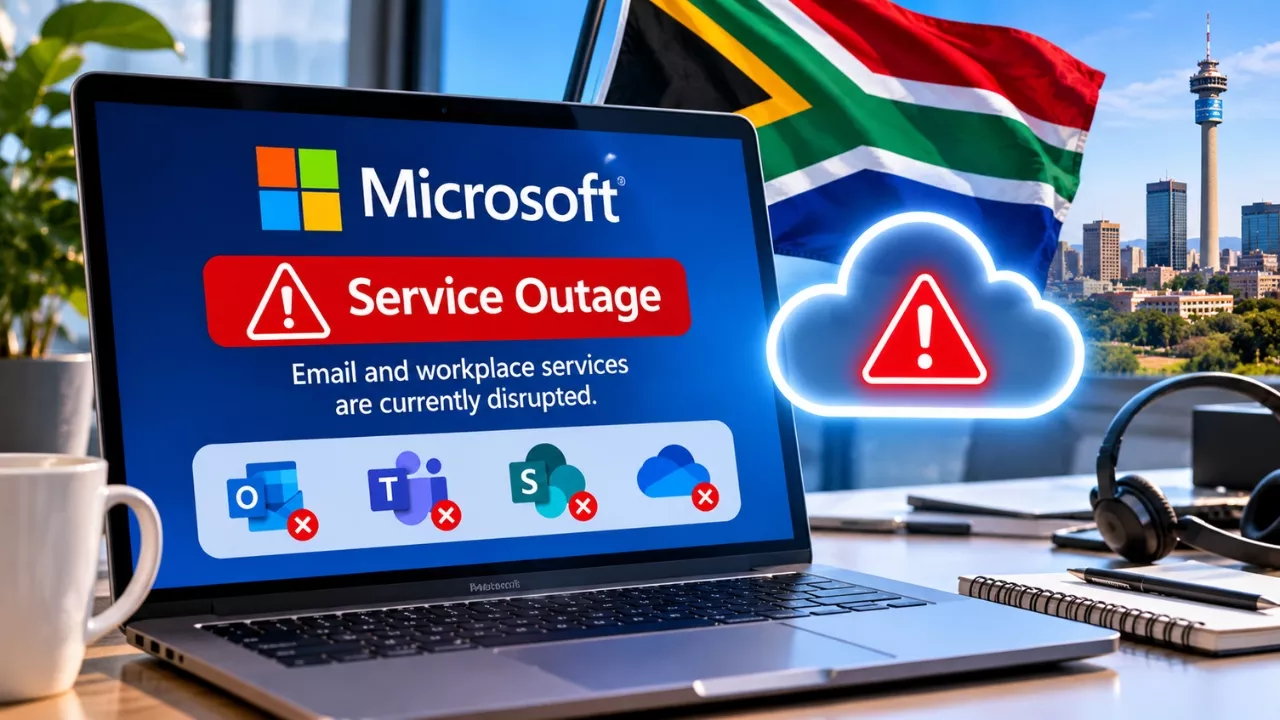
A major Microsoft outage in South Africa has left offices, universities and municipalities without their everyday digital tools. The disruption is part of a wider global problem with Microsoft 365. It began late on Thursday, 12 November, and continued into Friday. Many people could not open their inboxes, join meetings or reach files stored in the cloud. For organisations that run almost entirely on Microsoft’s platform, the effect was immediate.
What Happened During the Microsoft Outage in South Africa?
The trouble started on Thursday evening. Users soon noticed that emails would not send or arrive. Others found that their inboxes simply would not load. Meanwhile, shared documents on OneDrive and SharePoint became hard to reach.
According to Microsoft, the root cause sits in its own infrastructure. The company pointed to heavy server loads and servers that unexpectedly went offline. As a result, engineers began restoring the affected systems and redirecting traffic through alternative routes.
However, the fix has not been simple. Some servers stopped responding once traffic was shifted onto them. In other words, the recovery effort itself added fresh strain to the system.
Was It a Cyberattack?
Microsoft has said it has no sign that a cyberattack caused the disruption. Instead, the company describes it as an infrastructure failure. That said, the firm noted progress in bringing some servers back, although stability remained a concern.
Microsoft 365 Services Affected by the Outage
The outage reached most of the tools people rely on during a normal working day. Here is a quick overview of what was hit and how it showed up for users.
| Service | What It Does | Reported Impact |
|---|---|---|
| Outlook | Email and calendar | Emails failing to send or arrive; inboxes not loading |
| Exchange Online | Email server behind Outlook | Delivery and access problems |
| Microsoft Teams | Chat, calls and meetings | Trouble scheduling and joining meetings |
| OneDrive | Personal cloud file storage | Files difficult or impossible to open |
| SharePoint | Shared team documents and sites | Access to shared documents disrupted |
| Copilot | Microsoft’s AI assistant | Included among affected services |
Who Felt the Impact in South Africa?
Several well-known institutions confirmed they were affected. Their notices give a clear picture of how far the problem spread.
- University of Cape Town: The university’s ICT Services confirmed on Friday that users might struggle to connect to several Microsoft 365 services. It added that Microsoft was still working to stabilise its systems.
- City of Cape Town: The municipality issued an alert saying its email, Teams and OneDrive were affected. Its IT teams were tracking Microsoft’s updates, yet no firm restoration timeline was available.
- Businesses: Companies across the country reported difficulties with email and collaboration tools, as did organisations in other regions.
Globally, the scale was striking. At its peak, Downdetector logged close to 130,000 problem reports from users in different parts of the world.
Why This Outage Matters for Businesses
This incident is a reminder of how much daily work now depends on a single cloud provider. When email, meetings and files all live in one ecosystem, one failure can stop a whole team. For a municipality, that can slow down public services. For a university, it can interrupt teaching and administration.
Furthermore, the lack of a confirmed recovery timeline made planning harder. IT teams could only monitor updates and keep staff informed. Consequently, many organisations had to fall back on phone calls, personal messaging apps or face-to-face conversations.
What You Can Do During a Microsoft 365 Outage
Although users cannot fix a provider-side outage, a few simple steps can reduce the disruption.
- Check official status updates first. Microsoft’s service health channels and your own IT department will have the most reliable information.
- Avoid repeated password resets. Login failures during an outage are usually not caused by your account.
- Keep offline copies of key files. Synced local copies of important documents can keep work moving.
- Agree on a backup channel. Decide in advance how your team will talk if email and Teams are down.
- Don’t resend emails repeatedly. Messages may still be queued and could arrive later as duplicates.
- Watch for scam messages. Outages often attract phishing emails pretending to offer “fixes” or account checks.
When Will Services Be Fully Restored?
At the time of the latest updates, Microsoft had not given a confirmed timeline for full restoration. Some servers were back online, but the company was still working on overall stability. Therefore, users may continue to see patchy performance until Microsoft confirms that all services are fully recovered. Keep an eye on your organisation’s IT notices for the latest position.
Frequently Asked Questions
1. What caused the Microsoft outage in South Africa?
Microsoft linked it to infrastructure problems, including high server loads and servers going offline unexpectedly. It was part of a global disruption, not a local one.
2. Which Microsoft services were down?
Outlook, Exchange Online, Teams, OneDrive, SharePoint and Copilot were all affected.
3. Was the outage caused by hackers?
No. Microsoft said it had no indication that a cyberattack was behind the disruption.
4. Is my account at risk because of the outage?
There is no sign of that. However, be cautious of phishing emails that use the outage as bait to steal login details.